If you find an error in a timesheet before you transfer to payroll, then you can edit it by deleting: Click here for full details
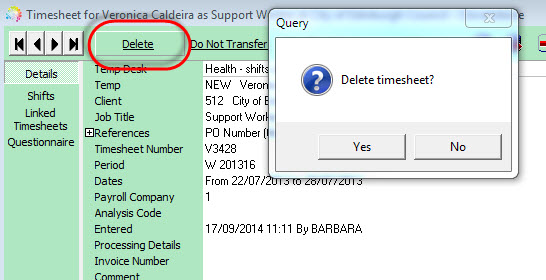
If the transfer batch field is empty, you can use the Delete button.
Click Yes to confirm that you want to delete this timesheet.
Click Yes to confirm that you want to Re-create a provisional timesheet.
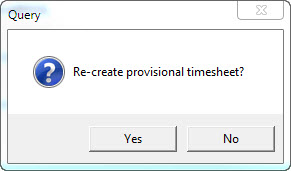
Click No if you want to completely delete the timesheet.
If you chose to create a provisional timesheet, edit the units and rates, as appropriate.
When you have entered the correct details, click on the Save Provisional button, or complete the timesheet as usual.
If you discover an incorrect timesheet after it has been transferred you cannot delete it, it must be cancelled with a negative timesheet and a recreated correct timesheet. (Payroll might require intervention, depending on which system you are using).
Click here for full details on correcting a transferred timesheet using the Cancel/Correct button
This will create a negative timesheet that reverses the original and recreate a provisional timesheet if corrections are required.
Cancelled and replacement timesheets are linked and have corresponding timesheet numbers (original timesheet number + C for the cancelling timesheet, original number + R for replacement timesheet).
IQX Version 2.2.10.13 onwards: if an image is linked to the original timesheet this will also be linked to the replacement timesheet.
Expand the original timesheet that requires deleting and click the Cancel/Correct button.
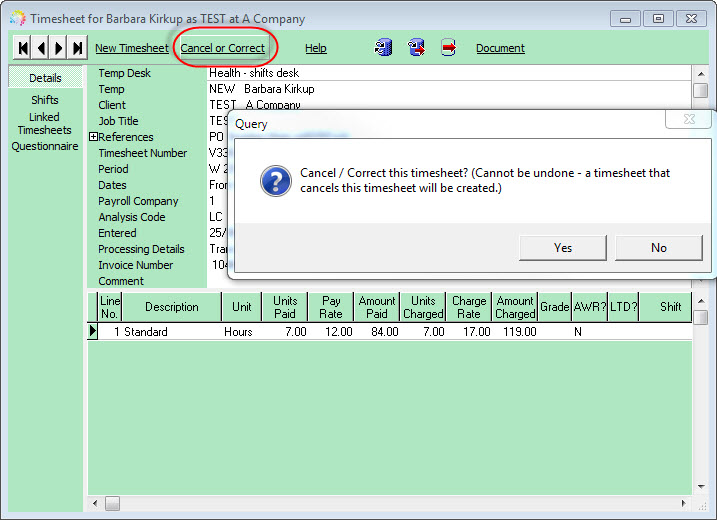
Confirm if you wish to create a provisional replacement timesheet to make corrections (YES) or if you just need to cancel the timesheet fully (NO).
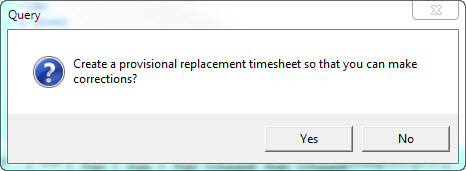
If you are making corrections and selected YES to create a provisional replacement timesheet, depending on your Agency settings, you may then be asked whether you wish to correct just the PAY, just the CHARGE or BOTH PAY & CHARGE.
The provisional timesheet is opened, it will have AMENDED in the comment field, edit UNITS and RATES as required and either save provisional or complete the timesheet ready for transfer.
You will then have three linked timesheets, original, cancelled (negative) and amended (correct).

Advanced Timesheet Correction Facility. This can be switched off (General Settings> Temps> 640) if required.
Click here for more information on using Advanced Timesheet Correction
Advanced Timesheet Correction is used if you wish to allocate the invoice against a different company or vacancy for example.
Using the Cancel or Correct button, you will be asked if you wish to use the Advanced Timesheet Correction Facility. Clicking Yes will bring up the following screen:
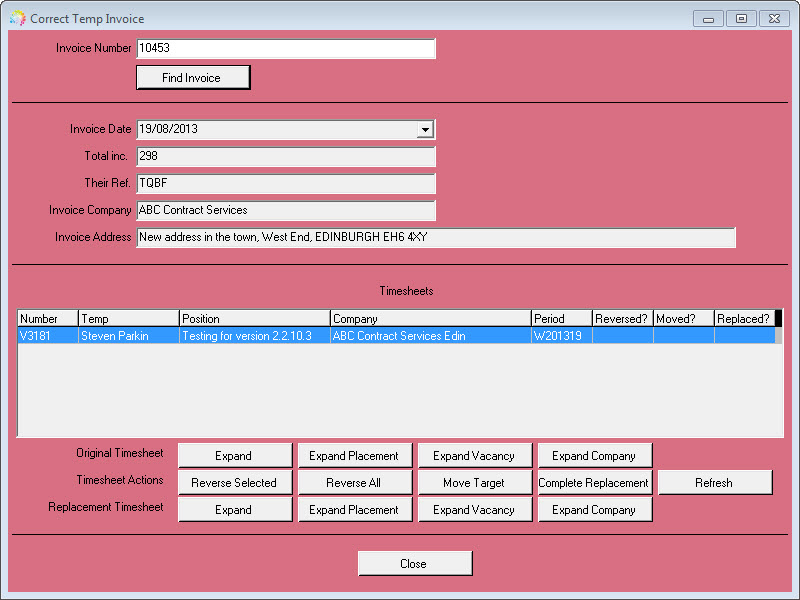
Once you have identified the correct invoice, use the expand buttons to check any details required for the the Original Timesheet, Placement, Vacancy and or Company.
Use the Reverse buttons (Reverse Selected or Reverse All) to create the cancel timesheet(s). You will be asked whether you are making a charge only or pay and charge correction. Once selected the Reverse timesheet(s) will be created and the 'Reversed?' column will then be populated with a yes.
Use the Move Target button to select a new company to allocate the invoice against, Change Company and select a Vacancy or just Change Vacancy.
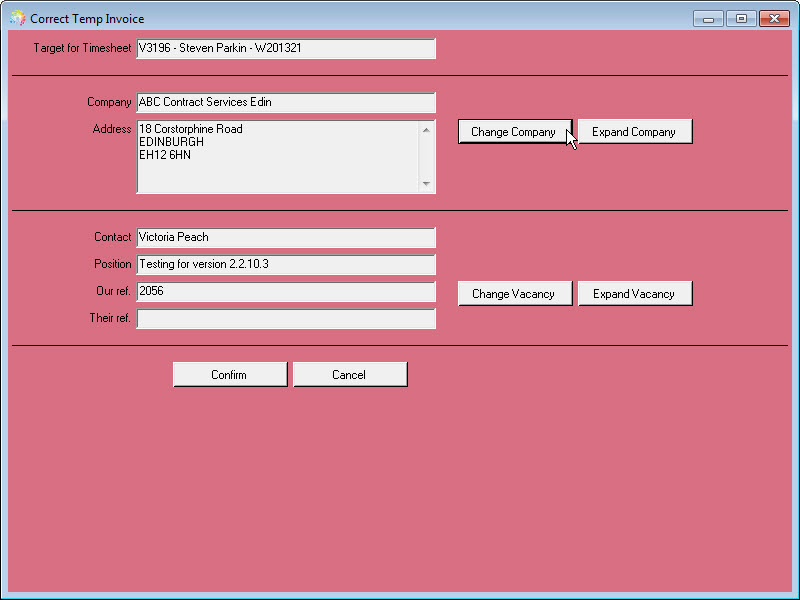
Confirm you wish to move the timesheet target. The 'Moved?' column will now be populated with a yes.
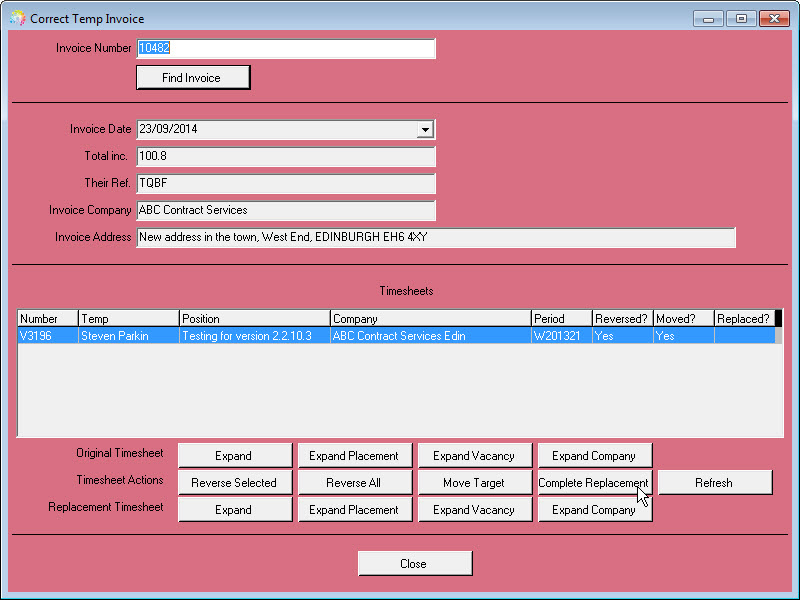
Finally you will need to complete the Replacement timesheet using the relevant button and completing the timesheet as usual. Once completed the 'Reversed?' column will show as Yes and you will now have three linked timesheets, original, cancelled (negative) and amended (correct) with the amended timesheet being against the correct company/vacancy as selected.

See also
1.18 Timesheets.
Back to Online Users Guide
Back to Temp Desk


 127.0.0.1